Learning and Progress
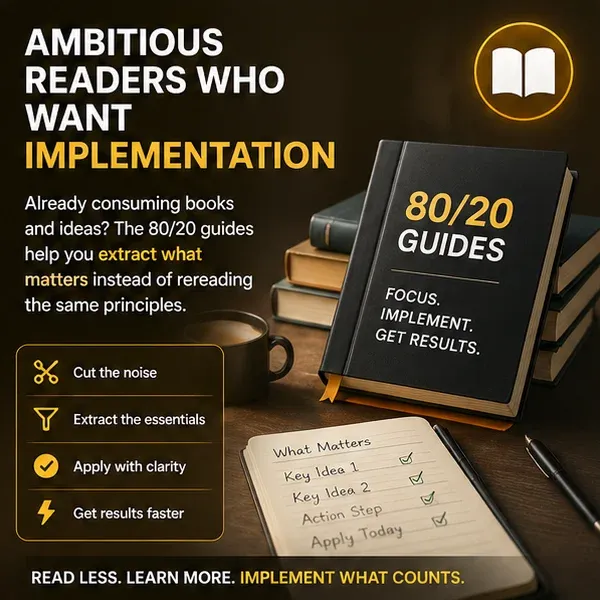
Books for Success and 80/20 Guides
Search the Books for Success library, unlock the ranked Top 5 lists, open 80/20 book guides, and track which guides you have finished.
The Books for Success library helps you search recommended books by the problem or skill you want to work on. The main catalog is public, ranked lists require a free account, and full 80/20 guides require access to the High-Income Skill Accelerator.
Search the public catalog
Open the All tab and use Filter by title, author, lesson, genre, or keywords. Search results look across all of those fields.
Each card includes:
- The book title and author
- Genre buttons
- A short Key Lesson
- Buy on Amazon, which opens an external site
- An 80/20 guide action when that guide is available to the account
Select a genre on a card to return to the All view filtered to that genre. Clear the search box to restore the full catalog.
View the ranked Top 5 lists
Choose Business, Finance, Productivity, Leadership, Marketing, or Communication to view that category's ranked Top 5.
Guests see Sign in to view the Top 5. After signing in, earn 100 XP by reviewing an eligible product to unlock the ranked lists. Net Worth Accelerator is free and its review reward is always available; paid products must be purchased first. Each product review awards XP once. This XP reward does not unlock the full 80/20 guides.
Open an 80/20 guide
Guide access belongs to the High-Income Skill Accelerator product:
- Unlock 80/20 Guide opens the product page when the current account does not have access.
- 80/20 Guide opens the guide for an account with access.
- Read · 80/20 Guide means that guide was previously marked finished.
Review the current price and access terms on the product page or checkout before purchasing. After access is added, return to Books for Success while signed in to the same account.
A guide page may show Guide Coming Soon when its content is still being prepared. Use Back to Books to choose another title.
Track reading progress
Opening an available guide records a guide visit for reading-streak progress. When you finish:
- Scroll below the guide.
- Select Mark Guide as Finished.
- Confirm that the guide shows Finished and the button changes to Finished Reading.
Select Finished Reading again to remove the finished state. Finished guides are also labeled Read · 80/20 Guide in the book library.
Guide visits and finished guides can contribute to reading achievements and streaks. Opening the same guide repeatedly is not the same as returning on separate days or finishing new guides in separate weeks.
Understand external book links
Buy on Amazon and Find this book on Amazon leave Net Worth Insights. Availability, format, and price are controlled by the retailer. Buying a book is separate from purchasing access to the site's 80/20 guide library.
For product access and checkout, see Products, Purchases, Courses, and Licenses. For all achievement types, see Quizzes, XP, and Progress.