Getting Started
Your Account and Dashboard
Navigate the member dashboard, complete or update your profile, manage sign-in methods and account security, and sign out safely.
Your member dashboard is the private home for saved financial data, products, quiz results, XP, and achievements. You must be signed in to use it.
If you do not have an account yet, begin with Getting Started.
Open the dashboard
Select your account avatar or account menu in the site navigation, then select Dashboard. You can also open the dashboard directly. The site takes members to the correct Overview page automatically.
The Overview summarizes your account in one place:
- Financial Level shows your current level and progress toward the next level.
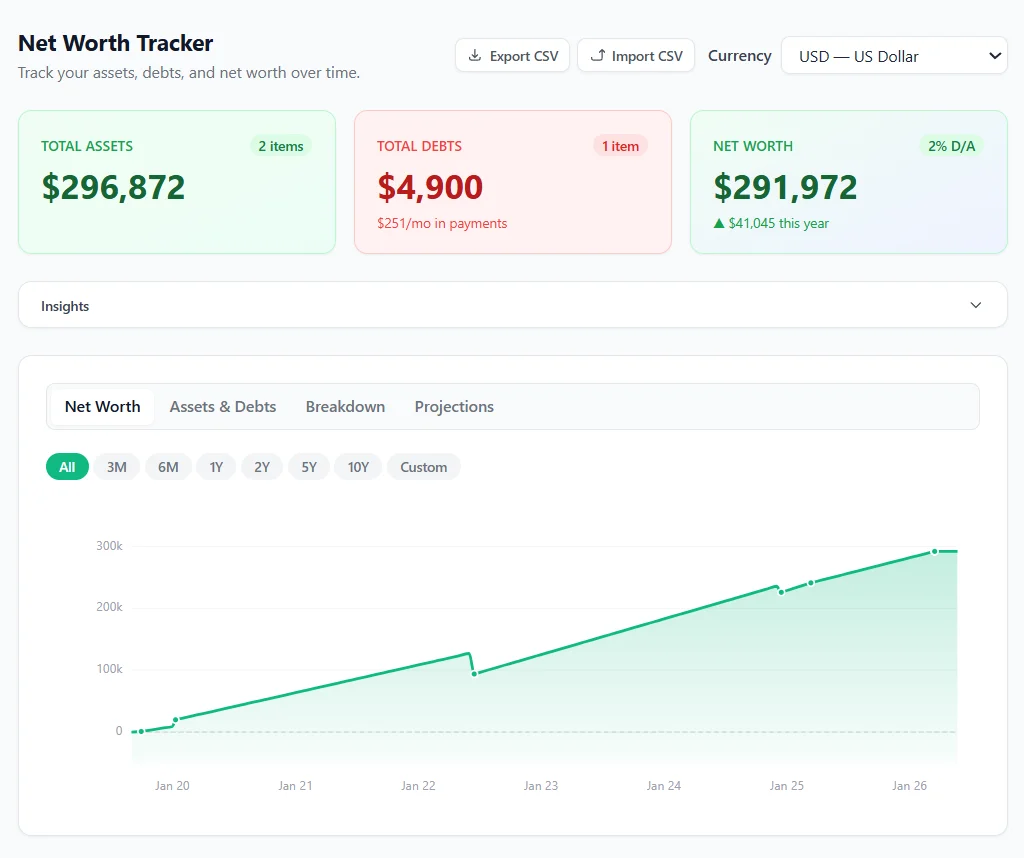
- Net Worth shows recent values or a projection preview and links to the full tracker.
- Monthly Cashflow shows income, expenses, and the amount left over.
- My Products shows products connected to your account.
- My Quizzes links to saved personalized quiz results.
- Recent Progress shows recently earned achievements.
The financial cards are empty until you add data. Use Start Tracking, Build My Plan, or the corresponding dashboard navigation link to begin.
Use dashboard navigation
On a desktop-sized screen, use the left sidebar:
| Link | What it opens |
|---|---|
| Overview | Your dashboard summary |
| Tools | An app-style launcher for every financial tool |
| My Products | Products available to your account |
| My Progress | Level, XP, achievements, streaks, and XP history |
| XP Rewards | Available XP rewards |
| My Quizzes | Saved quiz attempts and results |
| Profile | Personal details, sign-in methods, and security |
The sidebar keeps these links in one compact list without section titles. The dashboard Tools page embeds every tool so switching tools keeps you inside the member dashboard.
Open the main user menu in the top navigation to reach the Help Center.
On a phone or tablet, open the navigation menu. You can also use the links and buttons on the Overview cards to reach a tracker or detail page.
Complete or update your profile
- Open Profile from the dashboard.
- Select Edit Profile if your profile is already set up.
- Enter your first name, last name, age, yearly income, country, and optional state or city.
- Select Save Profile.
The required profile fields support personalized benchmarks and unlock profile-dependent achievements. The Profile page also lets you choose the avatar style shown with your account.
Manage account security
Open Profile, then scroll to the Security section, to manage:
- Two-factor authentication with an authenticator app
- Google, Microsoft, phone, and email/password sign-in methods
- Your password, when a password is connected to the account
An account must always keep at least one sign-in method. Add and test another method before removing one you no longer want to use.
To change a connected password, enter the current password, the new password, and its confirmation, then submit the form. If you do not have a usable password, select Send a reset email.
See Account Security and Sign-In Methods for authenticator setup, provider linking, password resets, and account deletion.
Sign out safely
Open the account menu and select Sign Out, especially on a shared device. Closing the browser window alone may leave the account signed in.
Next steps
- Add your financial snapshot with Net Worth and Monthly Cash Flow.
- Open courses and purchased tools with Products, Purchases, Courses, and Licenses.
- Explore public planning tools in Using the Financial Calculators.
- Learn how saved results and rewards work in Quizzes, XP, and Progress.